Clinic Profile

HamaraCRM Help
Last Update 3 years ago
Get started, head over to https://hamaracrm.com and process Clinic Profile Login
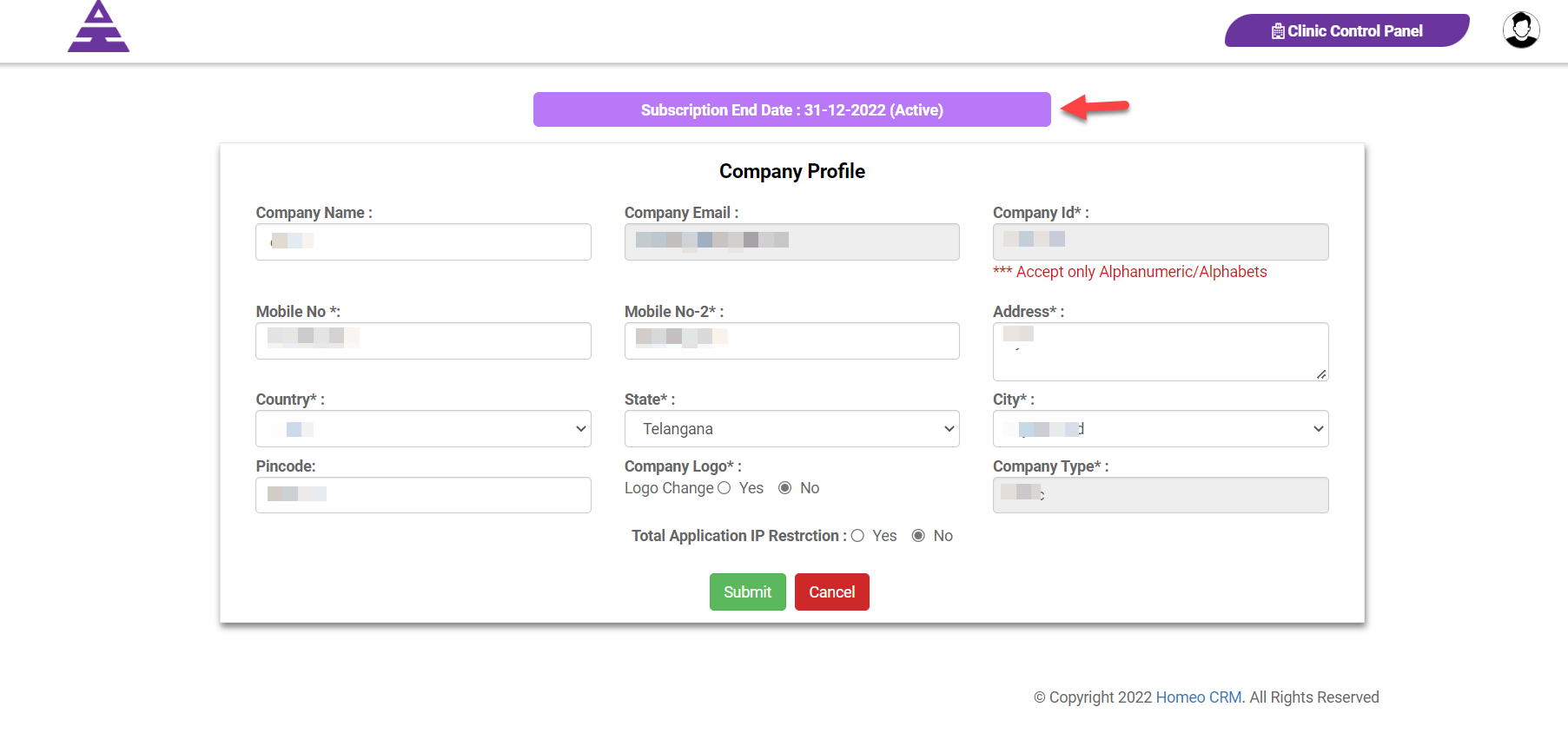
When it comes to Clinic Profile for Clinic user 1st check Subscription End Date to be Active
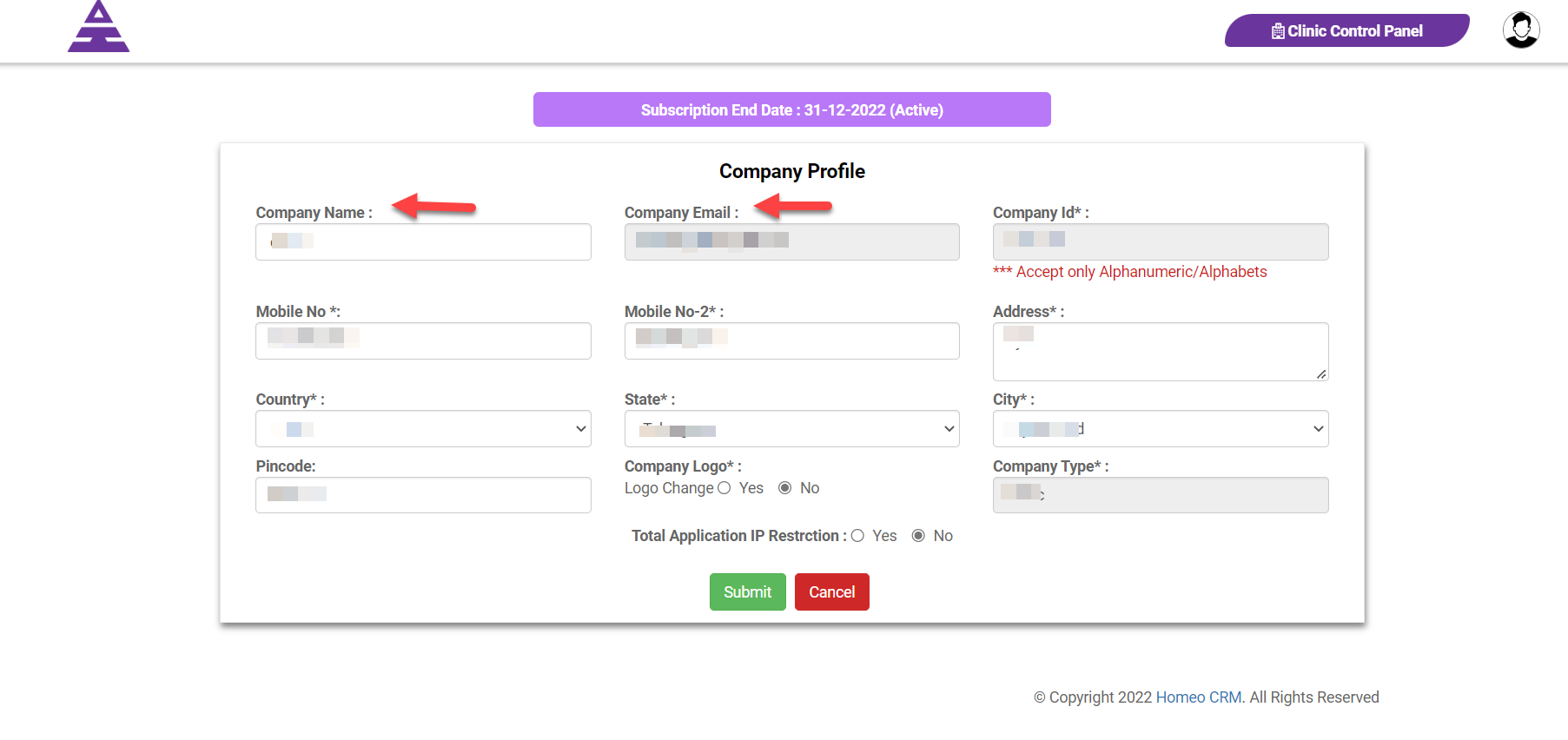
Next Enter Clinic Name in Company Name, Clinic Email in Company Email
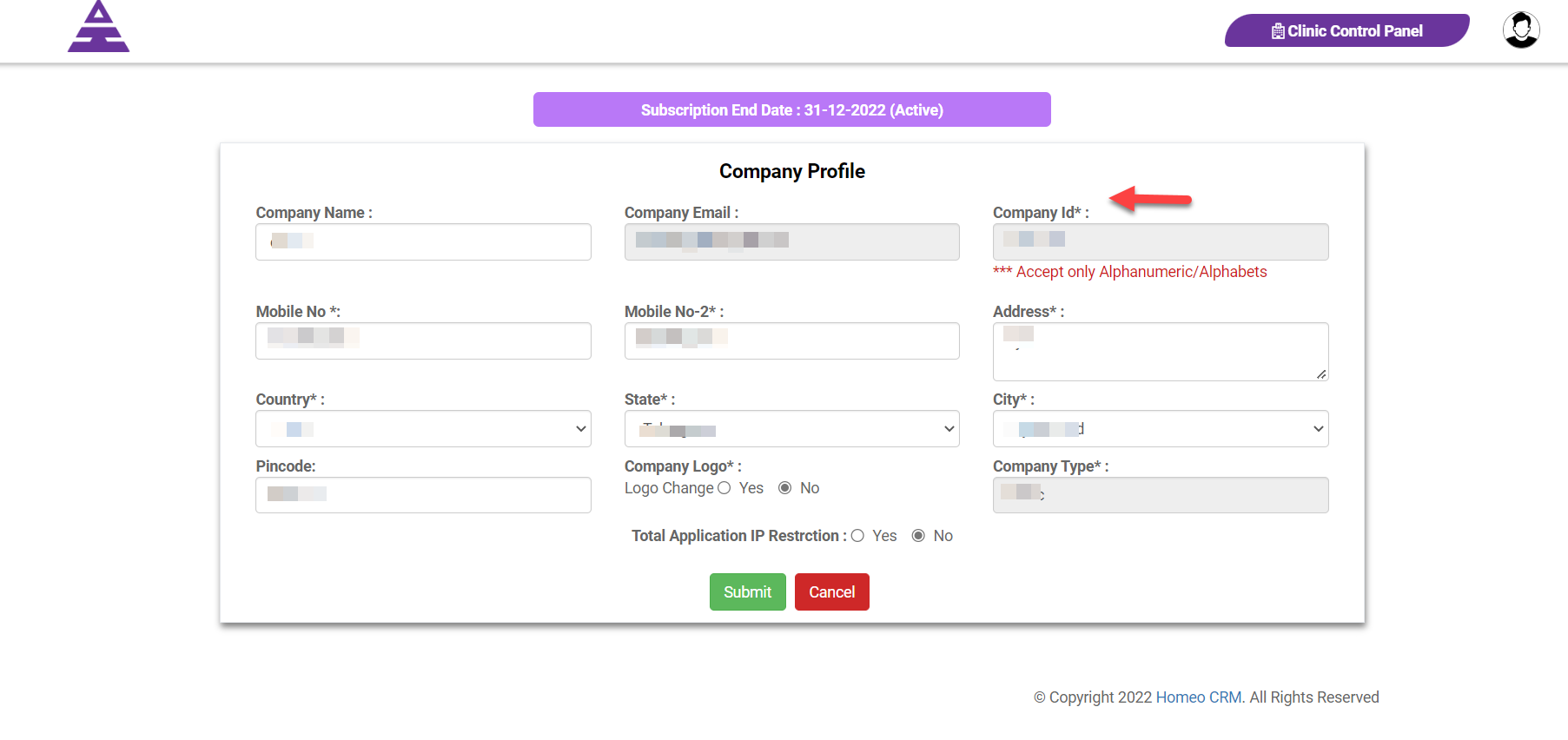
The Company Id is Clinic Id which is provided by Hamarcrm.com for the application user.
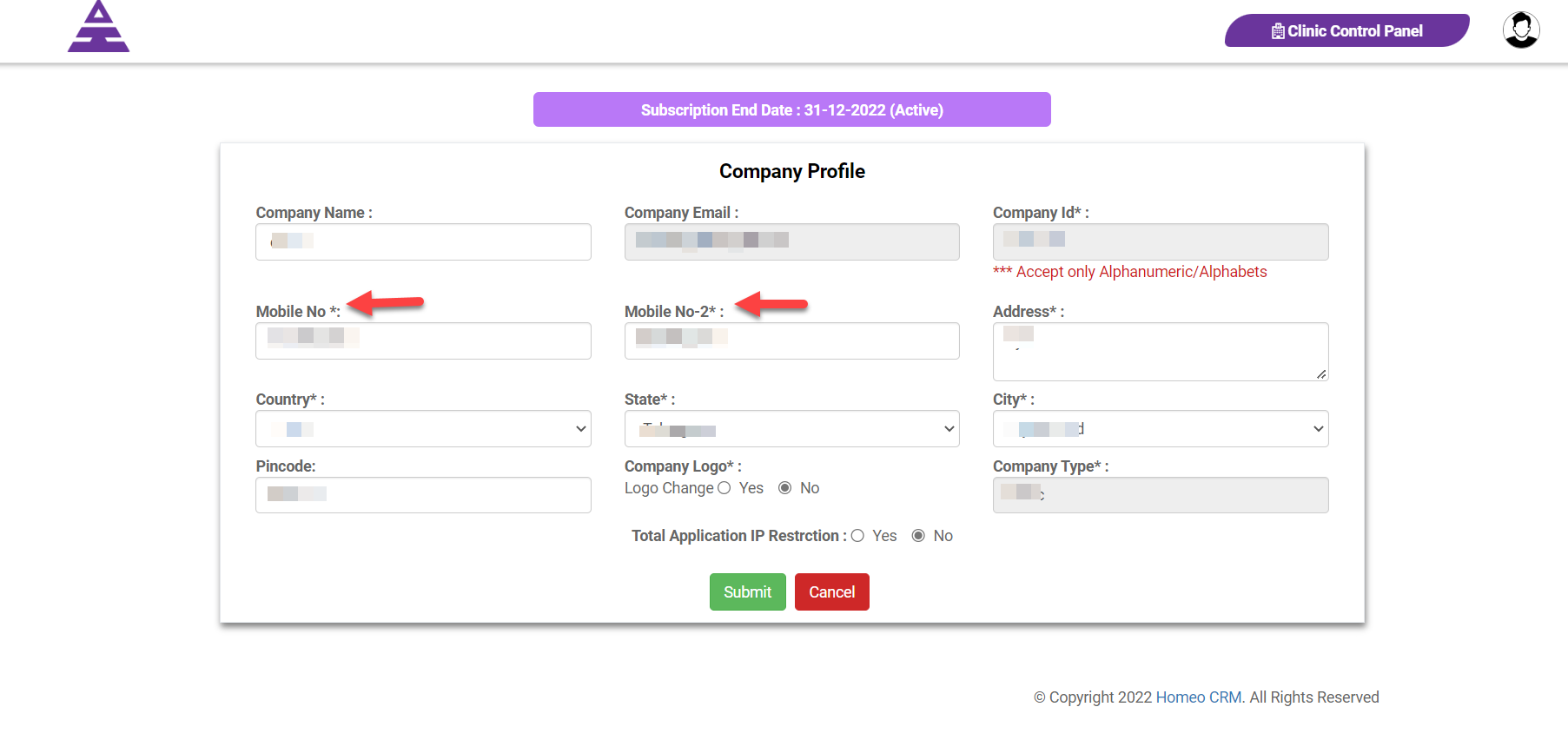
By next we can enter Moblie No which is much required and you can enter another number in Mobile No-2
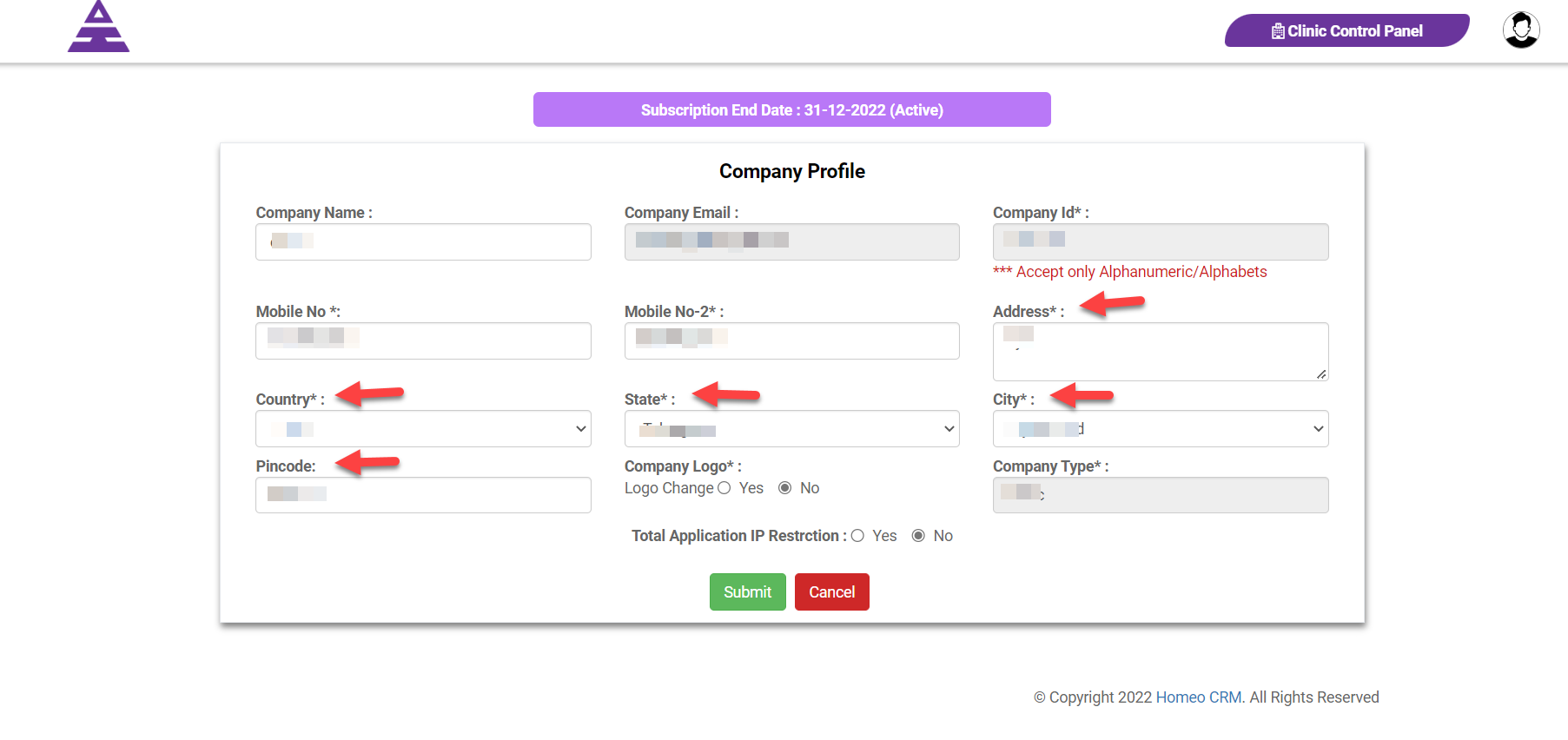
Enter Address, Country, State, City, and Pincode of your Clinic Details
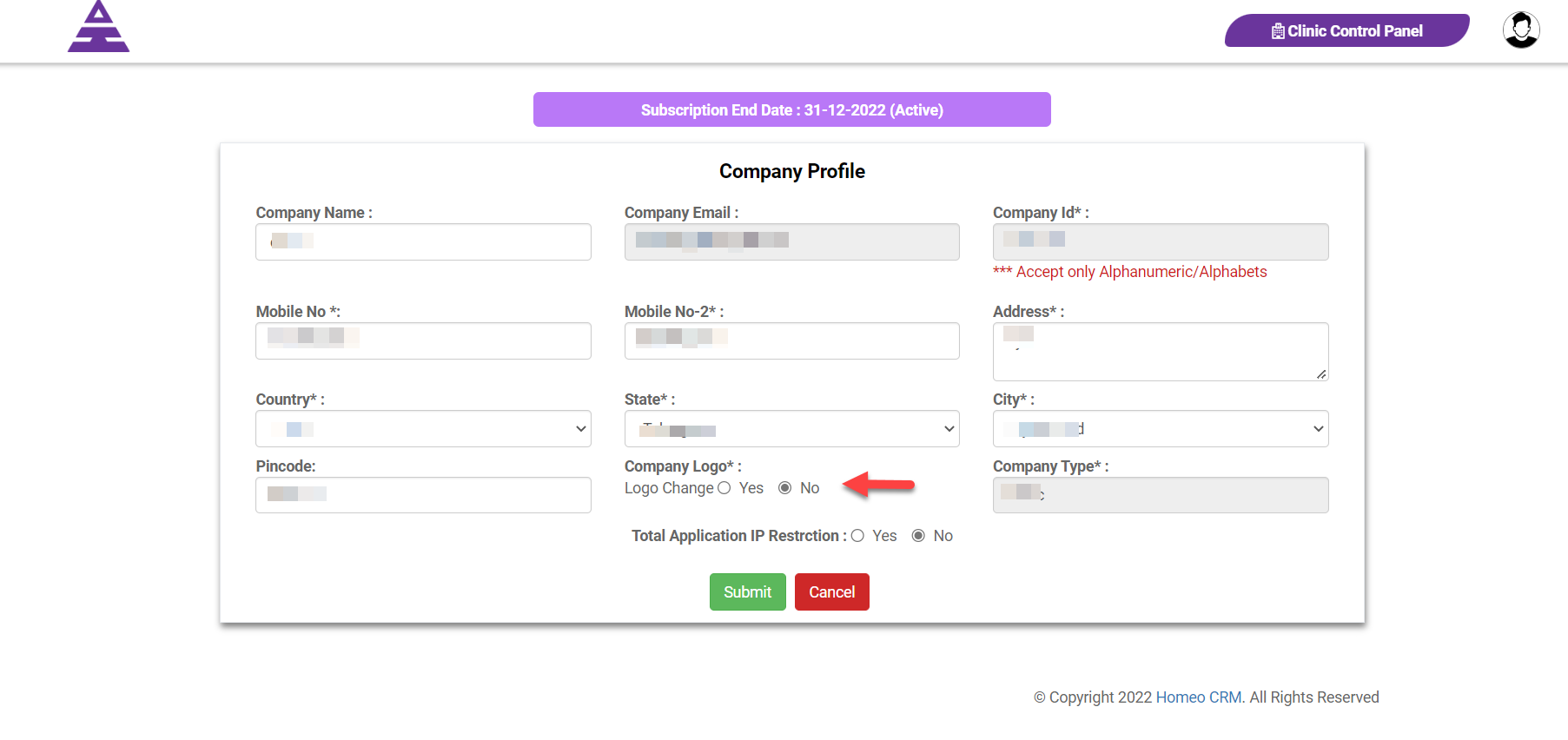
Next comes Company Logo which has the options for Logo Change, where we can load your Clinic Logo with option Yes or No
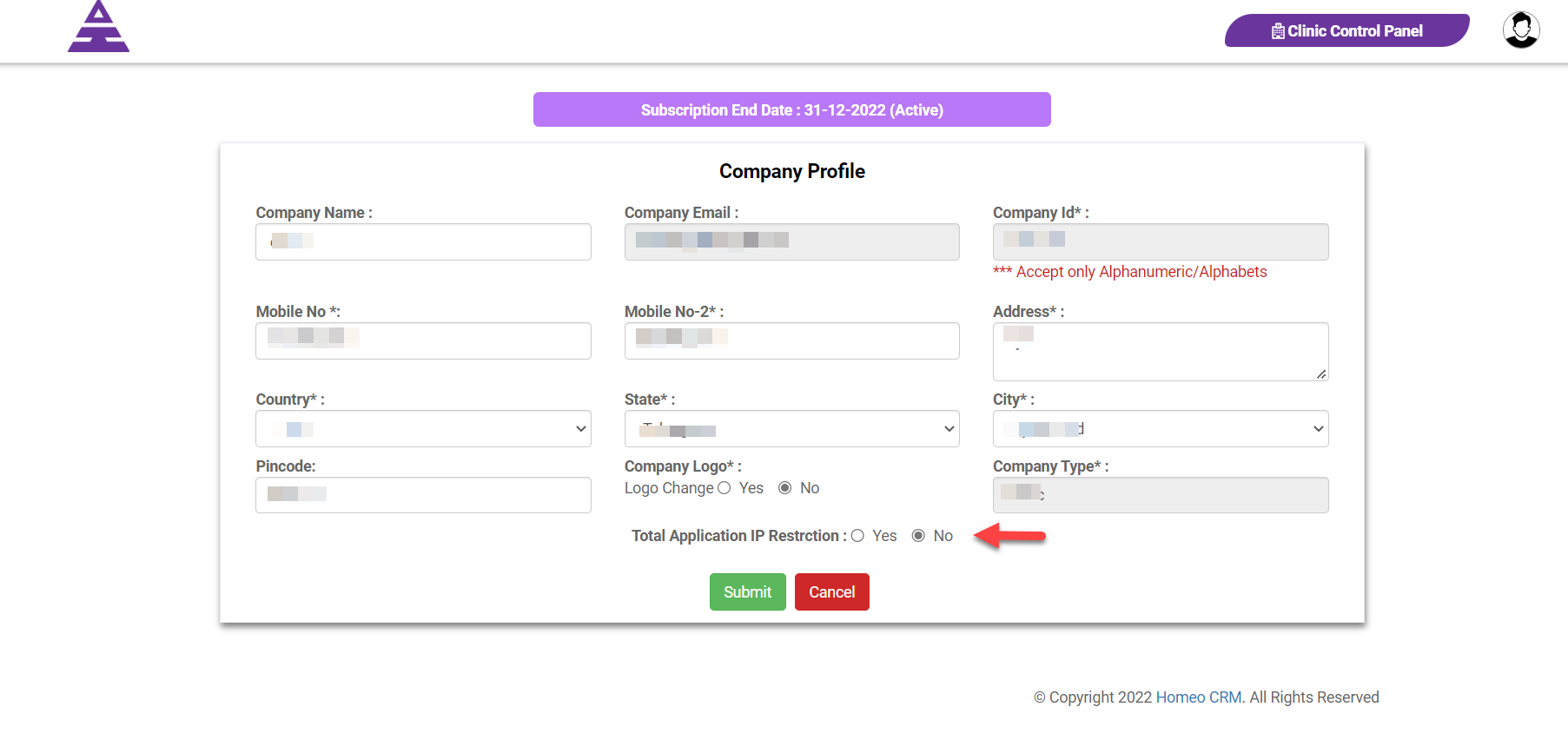
Later it comes to Total Application IP Restriction with Yes or No for IP address verification users and check in the database from hamracrm software
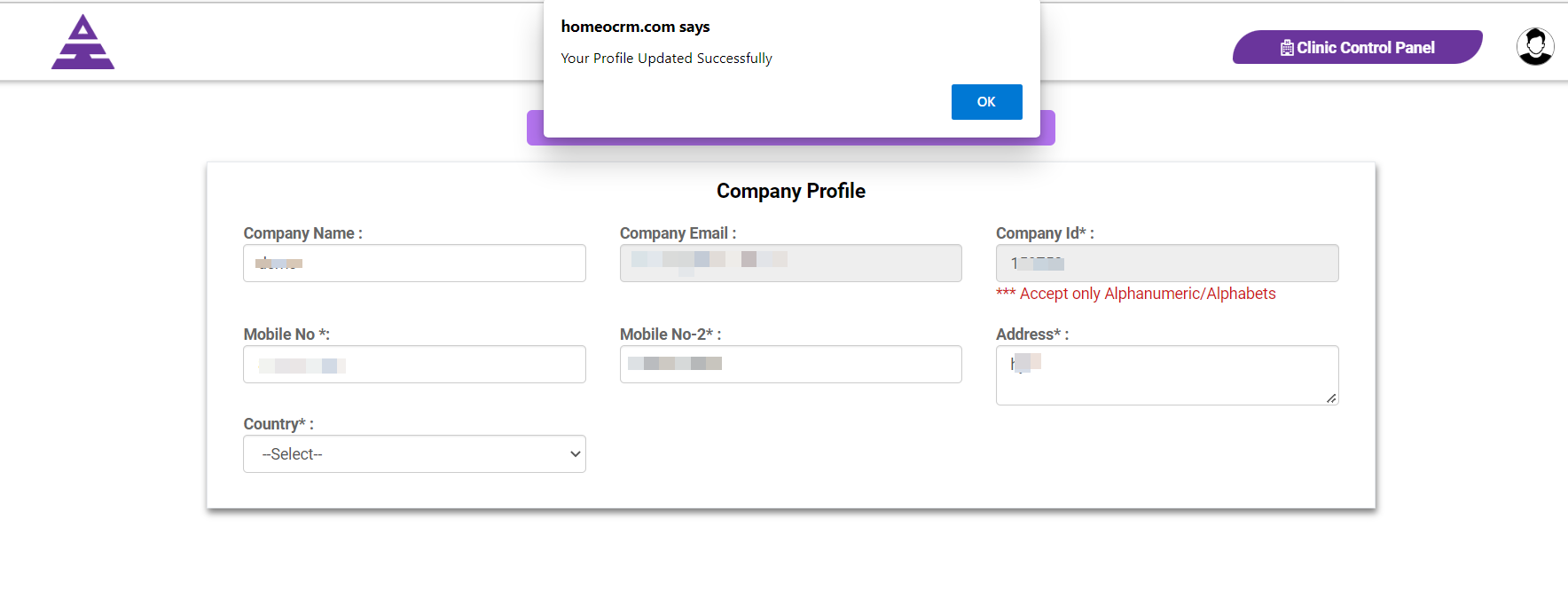
After the entire process updated if the information are correct you get Profile updated successfully